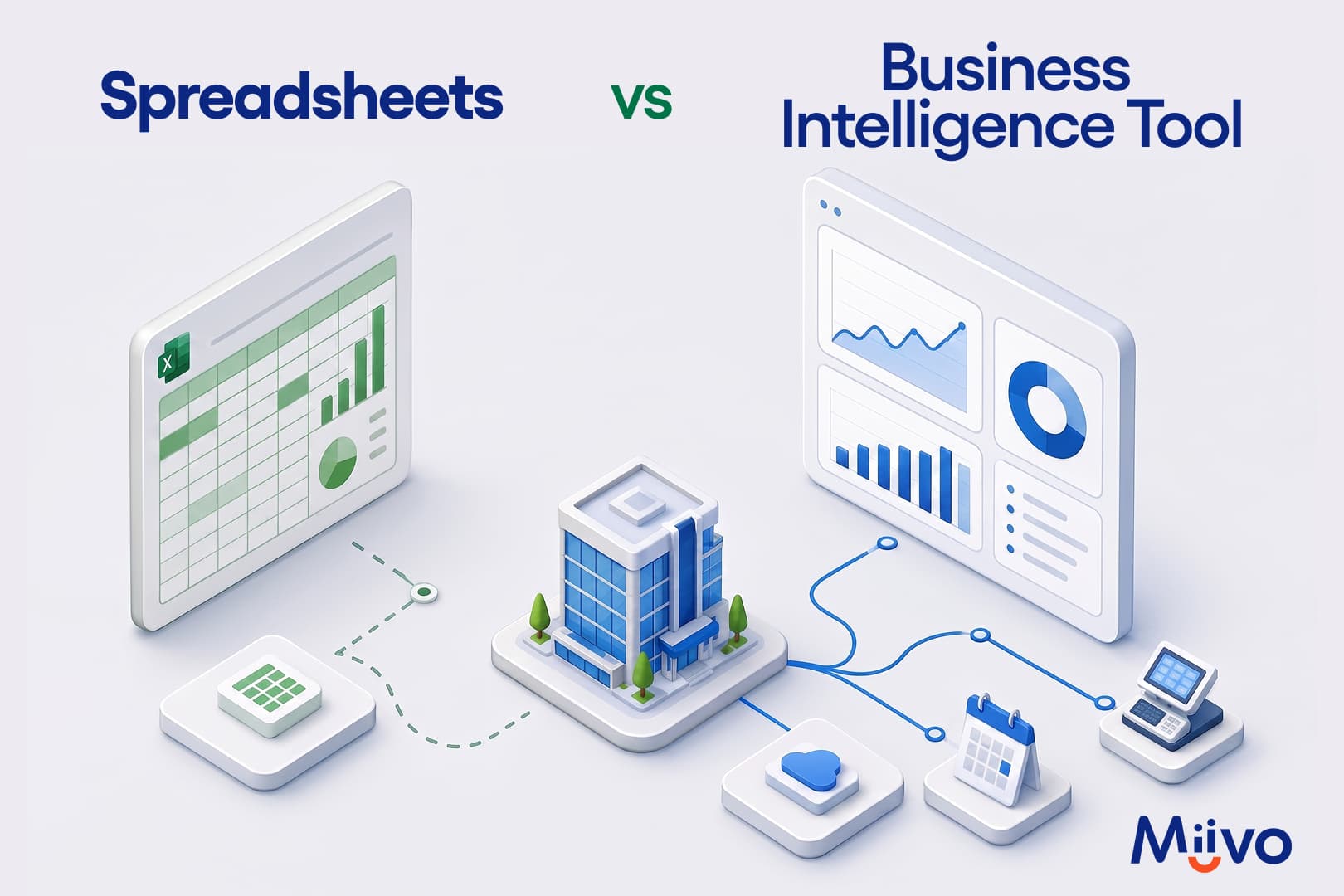
Spreadsheets are free, fast to set up, and good for simple tracking. Business intelligence tools connect directly to your data sources, update automatically, and flag problems without being asked. The right choice depends on how complex your data is, how many sources you manage, and how much time you currently spend maintaining your numbers manually.
Most small businesses start with a spreadsheet. One tab for revenue, one for costs, one for staff hours. Then another tab gets added. Then a formula breaks and nobody notices for three weeks. Then someone emails the wrong version to the wrong person. The spreadsheet that once tracked everything clearly starts to feel like it is working against you. This page compares what spreadsheets actually do well, where they let growing businesses down, and what a business intelligence tool does instead. Both honestly.
What Are Spreadsheets Actually Good At for a Small Business?
A spreadsheet is genuinely useful for a wide range of business tasks. It is free or already paid for via Microsoft 365 or Google Sheets, takes minutes to set up, requires no training, and can be shared with anyone. For a new or simple business tracking one or two data sources, a well-maintained spreadsheet is often the most practical tool available. It is also effective for one-off analysis, custom calculations, and anything where the data comes from a small number of known, stable sources that change infrequently.
At What Point Do Spreadsheets Start to Let a Business Down?
Spreadsheets are the right tool until they are not. These four situations signal the limit has been reached.
- Formula errors that compound silently: Research cited by OvalEdge found that 94% of spreadsheets used in business decision-making contain errors. A mistake in one formula cascades through every calculation that depends on it, often without anyone noticing until the numbers stop adding up.
- Data that is always out of date: A spreadsheet updates when someone updates it. If the POS data from Tuesday gets entered on Friday, every decision made between Tuesday and Friday is based on figures that are already old, a snapshot in time, not a live view.
- Version chaos: When multiple people work on the same file, you end up with Q2_Sales_FINAL_v3_UPDATED.xlsx in three different inboxes, none of which agree. There is no single source of truth when version control depends on email.
- Operational data that cannot be connected: A spreadsheet cannot automatically pull from a POS system, a booking platform, or a review platform. A restaurant owner has to log in, export the report, and paste it in manually, every time. That manual reporting takes time and introduces errors at every step.
What Does a Business Intelligence Tool Do That a Spreadsheet Cannot?
A business intelligence tool does not replace a spreadsheet everywhere. It replaces it specifically where a spreadsheet cannot keep up.
- Connects to your data sources automatically: A BI tool connects directly to your accounting software, POS system, and booking platform. Every morning, the latest figures are already there without anyone having to export or paste anything.
- Updates in real time instead of on demand: The data in a BI dashboard reflects what happened today, not what someone entered last Friday. For a business where daily performance varies, like covers, bookings, and sales, this difference is significant.
- Flags problems without being asked: When a cost rises above its normal range or a booking rate drops, a BI tool with AI monitoring alerts the owner automatically. A spreadsheet only shows a problem when the owner goes looking. Businesses reduce reporting cycles from days to minutes after connecting their data sources to a BI platform.
- Joins data from multiple sources in one view: The revenue from the POS, the costs from the accounting software, and the review scores from Google can all appear together in one dashboard. A spreadsheet requires manual assembly of each separate data source every time.
OvalEdge notes that companies using BI tools to sharpen customer targeting and decision timing report revenue uplifts of between 5 and 15 percent. That outcome is not available to a business whose numbers are assembled manually once a week.
How Do Spreadsheets and BI Tools Compare on the Things That Matter?
Below is how the two approaches compare across the dimensions that matter most for a small business owner.
| Dimension | Spreadsheets | BI Tools |
| Data update method | Manual. Someone exports data from each source, pastes it in, and updates formulas. | Automatic. BI tools connect directly to data sources and pull updates on a defined schedule. |
| Error rate | High. 94% of spreadsheets used in business decision-making contain errors. | Low. Data comes directly from source systems. Calculations are defined once and applied consistently. |
| POS and booking connection | None. POS data must be manually exported and pasted. Booking platform data must be manually entered. | Direct connection. BI tools built for physical businesses connect to POS systems and booking platforms automatically. |
| Version control | Problematic. Multiple versions of the same file circulate via email with no clear single source of truth. | Single version. Everyone with access sees the same data, updated at the same time. |
| Cost | Low to free. The real cost is the time spent maintaining it, typically several hours per month. | Varies. Free tiers exist (Miivo, Looker Studio, Power BI Desktop). Paid plans typically start at $10 to $24 per user per month. |
| Setup time | Immediate. A new spreadsheet is ready in minutes. Complexity builds over time as formulas accumulate. | Varies. Self-serve tools require configuration. Done-for-you services can deliver a live dashboard in as few as 5 business days. |
| Automatic alerts | None. The owner must check the spreadsheet manually to notice when a metric moves. | Available. Alerts when revenue dips, costs rise, or any metric moves outside a defined range, before the owner goes looking. |
When Should a Small Physical Business Switch From Spreadsheets to a BI Tool?
Spreadsheets are still the right tool for many tasks. These four situations signal that a BI tool is now worth considering.
- You are spending more than 4 hours per month maintaining your spreadsheet.
The time cost of manual data entry, formula maintenance, and version management is the most reliable signal. When the spreadsheet takes more time than the decisions it informs, it is working against the business. Four hours per month is a reasonable threshold. Beyond that, a BI tool typically covers its own cost in recovered time.
- You have started to distrust your own numbers.
If you catch yourself double-checking totals or wondering whether the formula is right, the spreadsheet has exceeded the complexity where it can be trusted. Decisions made on uncertain numbers are the most expensive kind. This is not a data literacy problem, it is a tool mismatch problem.
- You are running more than one location and trying to compare them.
A spreadsheet per location is manageable. A combined view across three locations, updated weekly, manually, from three separate POS exports, is not. This is the point where a BI tool pays for itself in saved time alone, before any improvement in decision quality is factored in.
- Your most important data lives in a system the spreadsheet cannot reach.
If your POS, your booking system, or your review platform holds data that would change how you run the business, and you cannot get that data into the spreadsheet without significant manual effort, the spreadsheet is not the right tool for this job. For physical businesses specifically, Miivo connects financial and operational data from these sources automatically, so the dashboard is ready every morning without anyone assembling it. Warning signals and opportunity cards surface the information that matters, before you go looking for it.
See What Your Business Data Looks Like Without a Spreadsheet
Book a 15-minute call. We will connect to your data sources and show you what a live, automatic dashboard looks like for your specific business.
*No credit card. No commitment. Live in 5 days.
Frequently Asked Questions
What is the main difference between a spreadsheet and a business intelligence tool?
A spreadsheet stores and calculates data that someone enters manually, while a business intelligence tool connects directly to your existing data sources, such as accounting software, POS system, booking platform, and updates automatically. The practical difference is that a BI tool delivers current data without anyone having to export, copy, or paste anything.
How much does a business intelligence tool cost for a small business?
A BI tool cost for a small business ranges from free to several hundred dollars per month. Free options include Miivo’s Ready For You tier, Looker Studio, and Power BI Desktop, which work well for businesses with simple needs already using Google or Microsoft products. Paid plans typically start from a few hundred dollars per month. Done-for-you BI services, which include setup and ongoing maintenance, are priced differently and remove the need for any internal configuration.
Do I need technical skills to use a BI tool?
No, you do not need technical skills, as most modern BI tools are designed for business owners, not data teams. Drag-and-drop interfaces, pre-built dashboards, and native connectors to common platforms mean that basic setup does not require coding. That said, configuring a BI tool around a specific business, connecting the right sources, and defining the right metrics do take time. Done-for-you services remove that requirement completely.